Independent real estate agents and small brokerage staff in the US who prepare listing photos and want a fast, objective quality check before publishing.
Como funciona
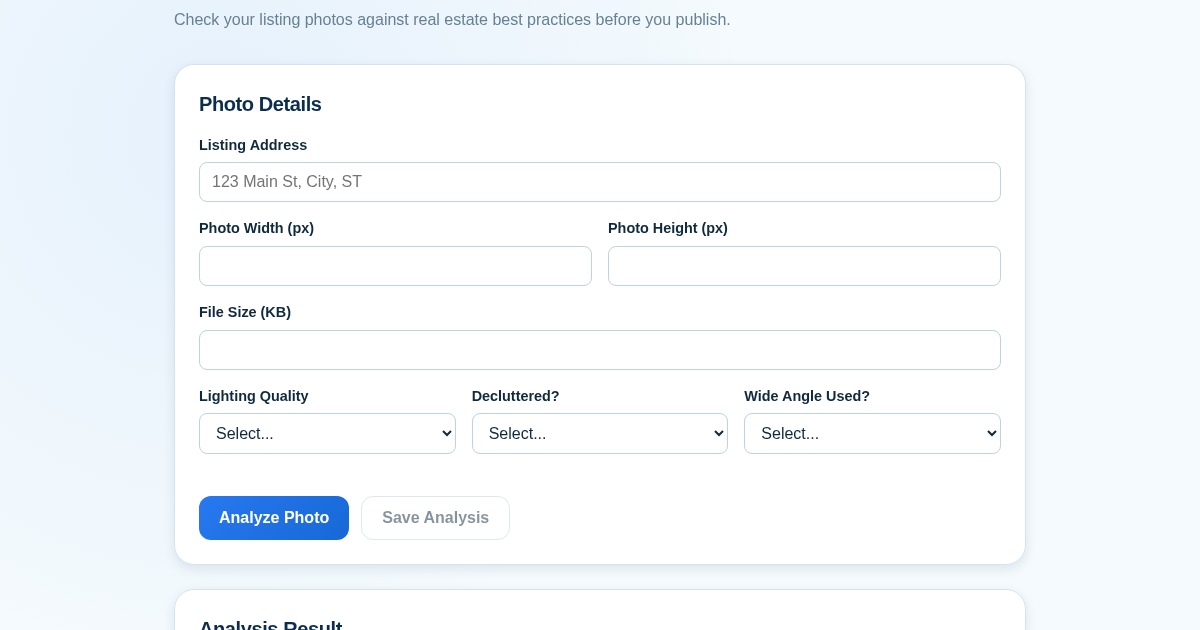
- Fill in the checklist form with the listing address and details about the photo: resolution, file size, lighting quality, clutter status, and whether a wide-angle lens was used.
- Click Analyze to receive an instant weighted quality score from 0 to 100, along with targeted improvement tips that highlight the weakest scoring areas.
- Review the tips and optionally copy or export the analysis as a text report to share with clients or vendors.
- Click Save to store the analysis (address, score, date) in your history, which is displayed on the same page for future reference.
O que você ganha
- Get an instant, objective quality score for each listing photo
- Receive specific tips on lighting, clutter, and camera angle to improve weak areas
- Easily copy a shareable text report for clients or vendors
- Keep a persistent history of every analyzed listing for reference
- Prevent duplicate saves for the same address and date
- Catch quality issues before publishing to MLS or Zillow
Captura de tela
Detalhes técnicos
Como configurar e usar
- Compre a licenca — sua chave (lic_...) aparece na pagina do pedido e no seu e-mail.
- Entre em app.synoriaai.com com sua chave de licenca.
- Sem instalacao — o produto roda no navegador, na sua instancia isolada.
- Enter the listing address and basic photo details (resolution, file size).
- Answer three quick questions about lighting, clutter, and camera angle.
- Click 'Analyze Photo' to see your instant quality score and tips.
- Click 'Save Analysis' to add it to your listing history.
- Review your saved history anytime on the same page.
Perguntas frequentes
Does this analyze the actual photo file?
No — you enter basic details about your photo (resolution, file size, lighting) and the tool scores it against real estate listing best practices. No image is uploaded or stored.
Is my listing data shared anywhere?
No, everything you save stays in your own private history on this tool; nothing is sent to MLS, Zillow, or any third party.
Can I share the results with a client?
Yes, use the copy/export button to get a text summary you can paste into an email or message.
Produtos relacionados
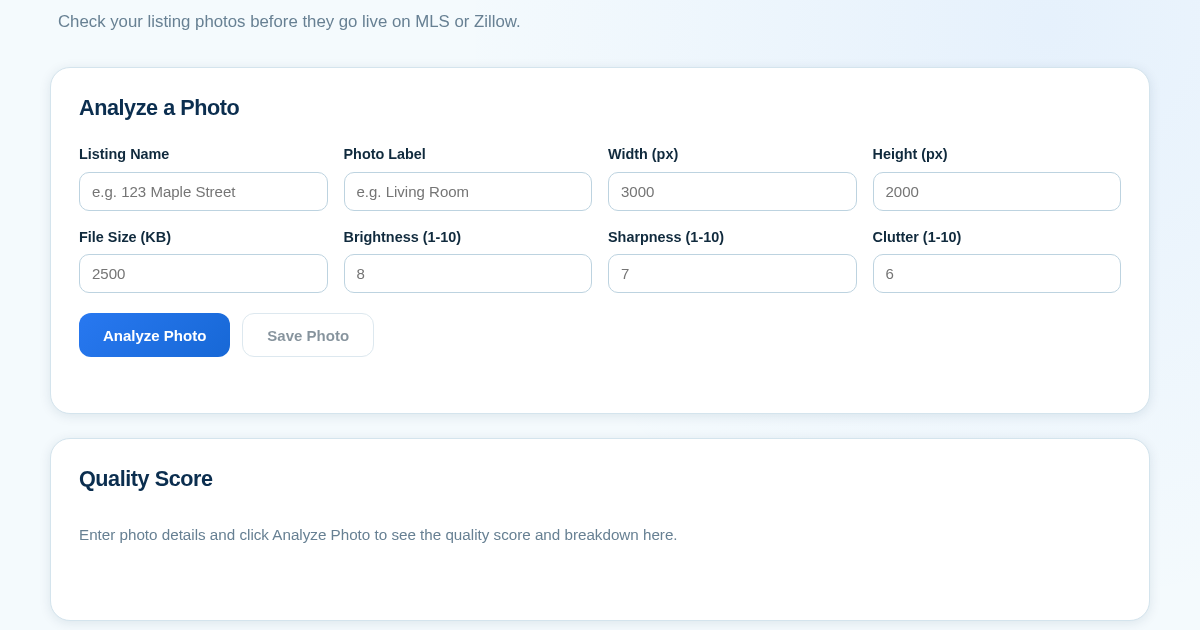
ListingPhotoScore - Know Before You Publish
Real estate agents often publish listing photos that are too dark, blurry, or cluttered, which can hurt a property's appeal on MLS or Zillow. This tool lets agents manually score each photo on brightness, sharpness,…
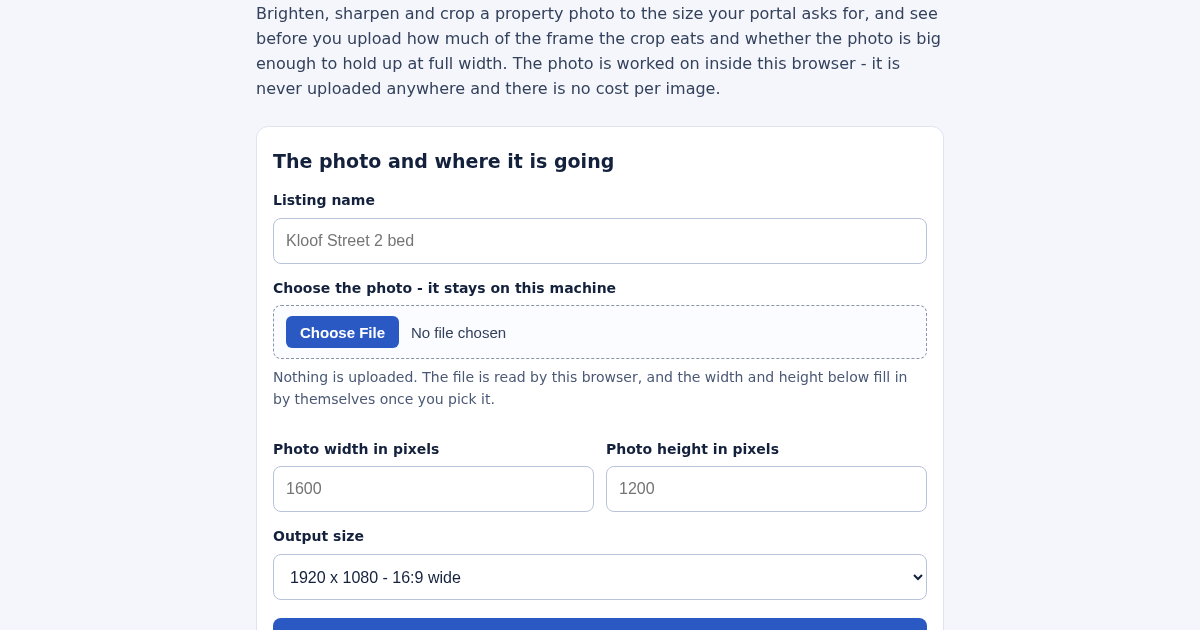
Listing Photo Enhancer for South African Property Listings
Brighten, sharpen and crop a property photo to the size your portal asks for, and see before you upload how much of the frame the crop removes and whether the photo is large enough to hold up at full width. Auto levels…
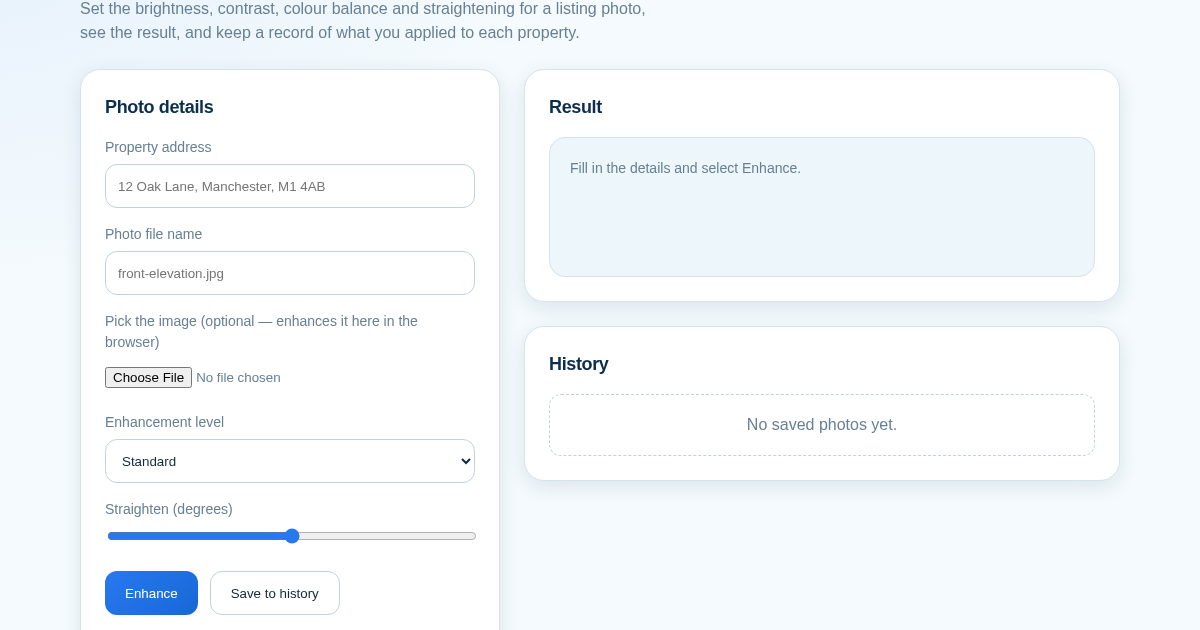
ListingLift - Make Your Property Photos Look Professional
Listing photos taken on a phone are often dim, flat or slightly tilted, and portals show them next to professionally shot competitors. This tool applies brightness, contrast, colour and straightening to a photo in the…